Introduction to Experimental Settings
Milthm 4.4 added Experimental tab in game settings. It offers experimental features that are still under testing.
Activation method
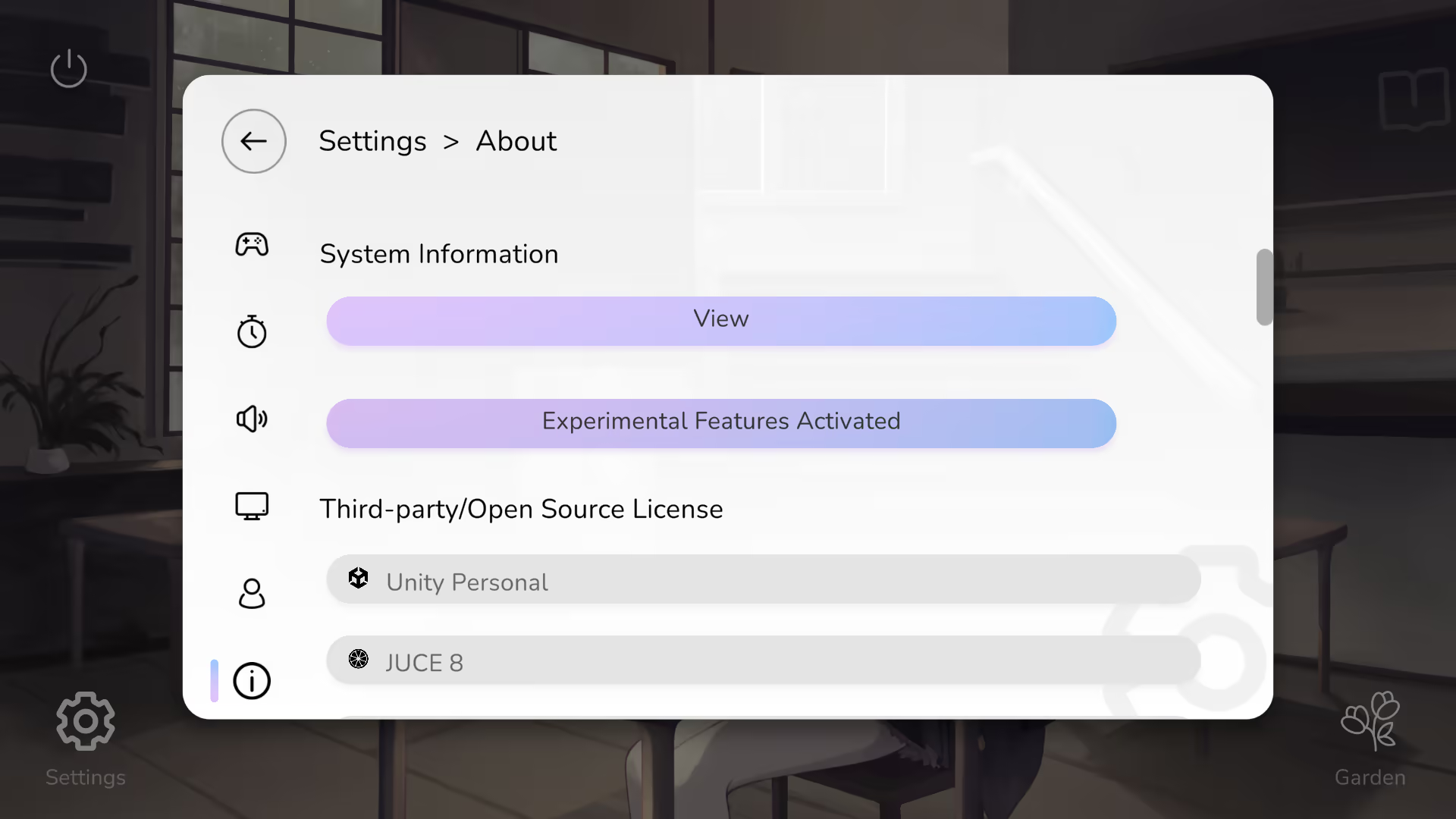
It's hidden by default. To activate it, go to Settings → About and click on the Copy button 5 times until it shows Experimental Features Activated.
Currently available options
Http Client Backend
If Milthm reports network errors frequently (e.g. upload score failure, download or upload game progress failure), then you can try to switch this option to Unity.
- Auto Selection
- .Net Core (SystemNetSocketsHttpHandler)
- Unity (UnityWebRequest)